Last week, we proved we could build the engine. We opened a Python environment, turned our enterprise documents into mathematical vectors, and built a custom Retrieval-Augmented Generation (RAG) pipeline from scratch.
It was a massive engineering win. But in the enterprise world, "it works on my machine" is not a business model.
When you take that custom RAG pipeline and expose it to 10,000 employees who each ask 5 questions a day, you suddenly face a brutal new reality: Unit Economics.
If you aren't careful, generative AI will burn through your cloud budget faster than a rogue cryptocurrency miner.
Today, we are taking off our developer hats and putting on our Architect hats. We are going to look at how to scale AI without going bankrupt, focusing on Model Routing, Latency Budgets, and the ultimate enterprise cheat code: Context Caching.
The Architect's Triangle
In traditional software, we balance Good, Fast, and Cheap. In AI architecture, we balance Quality, Latency, and Cost.
Every time you send a prompt to an LLM, you are paying for compute. You pay for the tokens you send (Input), and you pay for the tokens the model generates (Output).
The junior engineer’s mistake is defaulting to the biggest, smartest model available for every single task.
The senior architect's superpower is Routing.
Model Routing: Gemini Flash vs. Gemini Pro
Google provides two primary tiers in the Gemini family: Flash and Pro. Understanding when to use which is the single most important financial decision you will make.
Gemini Flash (The Workhorse)
The Vibe: Lightning fast, incredibly cheap, and highly capable.
The Math: It costs fractions of a cent per request. It processes multimodal inputs (text, audio, video) in milliseconds.
The Use Case: 90% of your application. If you are doing standard RAG (where you hand the model the exact paragraph containing the answer and ask it to summarize), use Flash. It is more than smart enough to read extracted text and format a response.
Gemini Pro (The Deep Thinker)
The Vibe: Slower, more expensive, but possesses massive reasoning capabilities.
The Math: It is significantly more expensive than Flash and takes longer to return the first token.
The Use Case: Complex reasoning, coding, and synthesizing massive amounts of contradictory data. If you need an AI to read 40 different legal contracts, compare their indemnification clauses, and draft a net-new compliance strategy—use Pro.
The Architecture Rule: Always default to Flash. Only escalate to Pro when your automated evaluations (which we will build in Part 11) prove that Flash is failing the task.
The 2-Million Token Blessing and Curse
Gemini models have a massive context window (up to 2 million tokens). This means you could, theoretically, drop the entire Harry Potter series into a prompt, ask a single question, and get an answer.
This is incredible for prototyping. But in production, it is a trap.
Imagine you build an internal "Financial Analyst Agent." Every time a user asks a question, you attach your company’s 500-page Q3 Earnings Report to the prompt.
User 1 asks: "What was our revenue?" -> You pay to process 500 pages.
User 2 asks: "What was our EBITDA?" -> You pay to process the exact same 500 pages again.
You are forcing the LLM to read the entire book every time someone asks a question. Your latency skyrockets, and your cloud bill explodes.
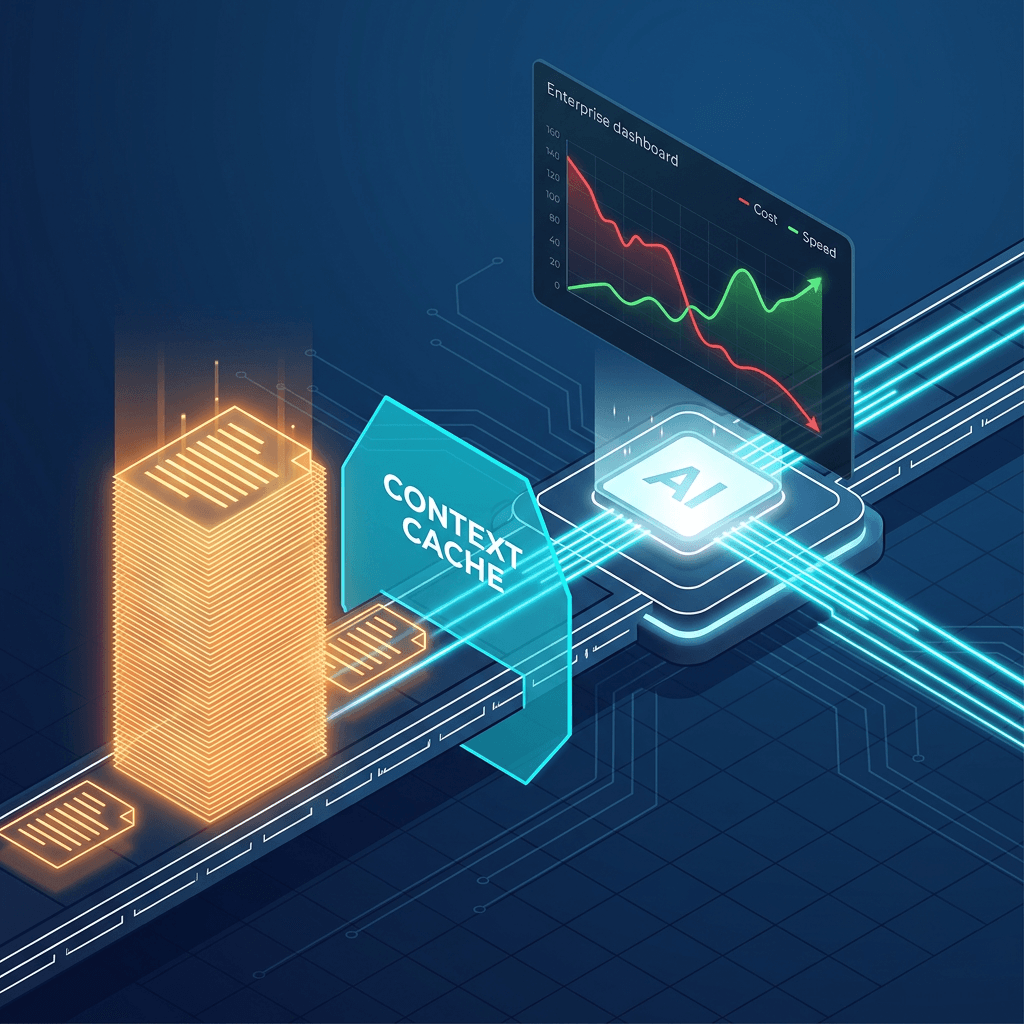
The Enterprise Cheat Code: Context Caching
How do we fix this? We use Context Caching.
Instead of sending that 500-page document with every single API call, we send it to Google Cloud once. Google processes the document, turns it into tokens, and holds it in a high-speed cache.
Then, when User 1, User 2, and User 10,000 ask their questions, they just point to the cache.
The ROI of Caching:
Cost Reduction: Cached input tokens cost significantly less than standard input tokens.
Zero Latency Penalty: The model doesn't have to "read" the document again. The time-to-first-token (TTFT) drops dramatically, making your app feel instantly responsive.
The Code: Implementing Context Caching
Here is what that looks like in Python using the Vertex AI SDK. It is shockingly simple to implement.
Python
import vertexai
from vertexai.preview.generative_models import caching
import datetime

# 1. Initialize Vertex AI
vertexai.init(project="your-project-id", location="us-central1")

# 2. Upload your massive document to the Cache
# We set a Time-To-Live (TTL) so we don't pay storage fees forever
cached_content = caching.CachedContent.create(
    model_name="gemini-1.5-pro-002",
    system_instruction="You are a senior financial auditor.",
    contents=["[... Insert Massive 500-Page Q3 Financial PDF Here ...]"],
    ttl=datetime.timedelta(minutes=60), # Keep alive for 1 hour
)

print(f"✅ Cache created! ID: {cached_content.name}")

# 3. Query the Cache
from vertexai.generative_models import GenerativeModel

# Point the model specifically to our cached document
model = GenerativeModel.from_cached_content(cached_content=cached_content)

# This query is now blazing fast and vastly cheaper
response = model.generate_content("Summarize the main risks listed in the Q3 report.")
print(response.text)
The Takeaway
Anyone can string together API calls. An Architect builds systems that survive contact with the real world.
By aggressively routing 90% of your traffic to Gemini Flash, and utilizing Context Caching for the 10% of tasks that require Gemini Pro to analyze massive documents, you can cut your AI infrastructure costs by orders of magnitude while delivering a faster user experience.
Coming Up Next: The Safety Layer
We’ve built the engine, and we’ve optimized the fuel efficiency. But what happens when a malicious user tries to hijack your agent?
In Part 2 Post 4, of the Agentic Architect Series we are diving into Enterprise Security. We will write Python middleware interceptors to stop Prompt Injections, scrub PII, and ensure your AI behaves predictably in a production environment.